Best web builder sites for a small business, compared
Updated October 4, 2026
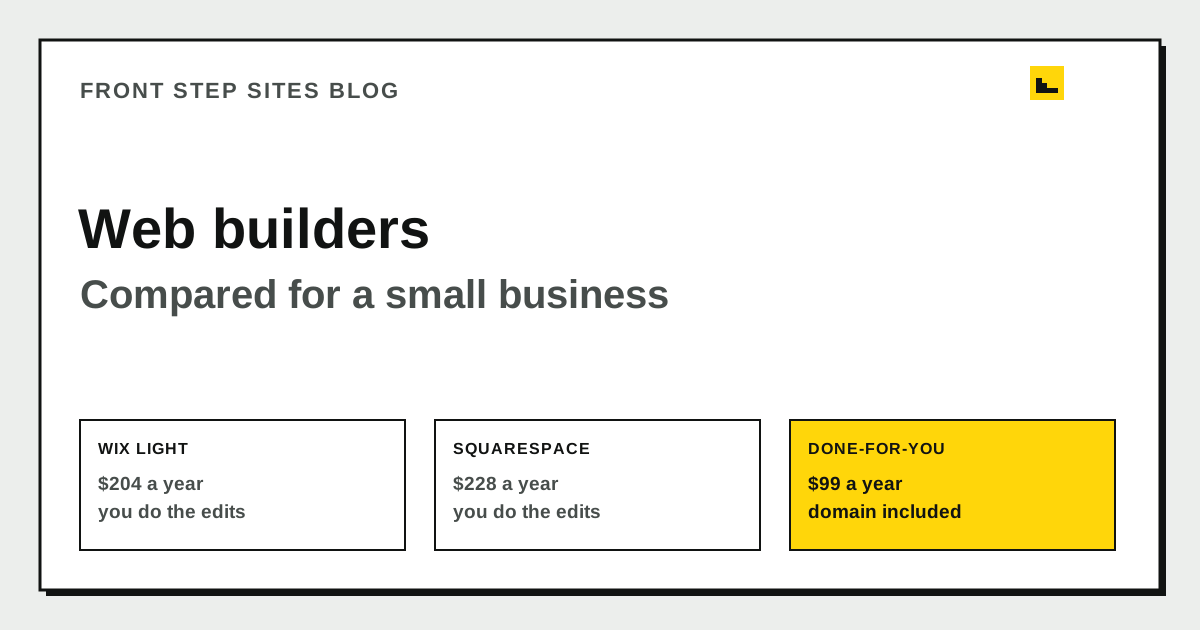
The best web builder for a small business is the one you will keep up to date. For most owners that means choosing between a self-serve builder like Wix or Squarespace, or a done-for-you site where someone else makes the edits. Google Sites is the quickest to try if you already have a Google account, and it works best for a few simple pages.
How do you choose between a builder and a done-for-you site?
Start with who will make the edits. A builder puts that work on you: writing the text, uploading photos, and checking the page on a phone after every change. A done-for-you site moves most of that work to the provider, and you supply the facts and approve the result.
| Option | Price as we checked it | Who makes edits | Fits best |
|---|---|---|---|
| Wix | Wix Light, $17 a month billed yearly ($204 a year), checked September 2026 | You, in the Wix editor | Owners who like designing pages |
| Squarespace | Basic, $19 a month billed annually ($228 a year) | You, in the Squarespace editor | Owners who want polished templates |
| Google Sites | Google account, no plan to pick | You, in the Google Sites editor | A few simple pages, fast |
| Done-for-you site | $99 a year, domain included, no setup fee | The provider, from your requests | Owners who want the edits handled |
The Squarespace figures come from its pricing page, which lists Basic at $19 a month billed annually and $25 a month billed monthly. The Wix price page would not load during our October check, so confirm its current price before you buy.
Which website builder do most websites use?
According to W3Techs, which tracks the software behind websites, WordPress powers 40.2% of all websites as of October 4, 2026. Shopify has 5.4%, Wix has 4.2%, and Squarespace has 2.4%. Those numbers measure popularity. They say little about fit. A platform with a big share can still be a poor match for a plumber who needs a service area page and a button that calls the shop.
What does Squarespace cost in the first year?
Squarespace's pricing page says the annual plan includes one year of free domain registration on available domains. That makes the first year easy to price. Paying annually comes to $228. Paying month by month comes to $300. The $72 difference is what you pay for the monthly option.
The free domain covers year one only. Check the renewal price before year two, because it is not part of the $228. A small business that plans to stay three years should count that renewal before comparing the totals.
When does a done-for-you site make more sense?
A done-for-you site makes more sense when edits pile up faster than you can make them. Front Step Sites is $99 a year with the domain included, no setup fee, and 2 change requests a month on the Launch plan, done within 2 business days. The Grow plan is $29 a month or $290 a year, with unlimited changes the same business day and Google reviews shown on the site.
The trade-off is control. You cannot make a change yourself at 9 p.m., and you wait for each request to be finished. If you enjoy the editor and can spend an hour a week on the site, a builder gives you more say over every page.
Which builder fits which owner?
- Pick Wix or Squarespace if you like the editor and can give the site a regular hour each week. Our side-by-side for Wix and for Squarespace shows where each one asks more of you.
- Pick Google Sites for a handful of simple pages you can publish this week. Read Google Sites alternatives for a business before you commit, because the limits matter more once the site grows past a few pages.
- Pick a done-for-you site if you know what you want to say but do not want to build or edit the pages yourself.
Three checks before you pay
- Is the domain included in the price, and what does it cost to renew?
- Who makes the edits, and how long does each one take to go live?
- What do you keep when you leave: your domain, your files, or both?
Frequently asked questions
Is Wix or Squarespace the better builder for a small business?
Neither is better for every business. Pick the one whose editor you can use without help in an afternoon. Build one test page with your services, a photo, and your phone number in each builder before you pay for either.
Do I need a builder if I already have a Google Site?
Not right away. A Google Site can carry a basic brochure site. Google says only the owner of a site can connect a custom domain to it, so confirm that you are the owner before you try. If the site has grown beyond a few pages, compare it with a builder before you move customers to a new address.
Is the domain included in a builder plan?
Check before you pay. Squarespace includes one year of domain registration on plans bought for an annual term, according to its pricing page. For any builder, read the terms for renewal, because the domain may cost extra after the first year.
How often will I need to edit my site?
Count your real updates for one month before you choose. Include new photos, changed hours, new services, and seasonal pages. If that comes to more than a couple of hours a month, a done-for-you service is worth comparing. No platform guarantees a ranking, so keep your service pages accurate and current whichever route you take.
The short version
A builder fits an owner who likes the editor and has time each week. A done-for-you site fits an owner who would rather send a request than make the change. Check the domain, the edits, and the exit terms before you pay, then choose the option you will keep current. If you want the edits handled, Front Step Sites is $99 a year with the domain included and no setup fee.