Locksmith Google Business Profile: a setup guide
Updated October 1, 2026
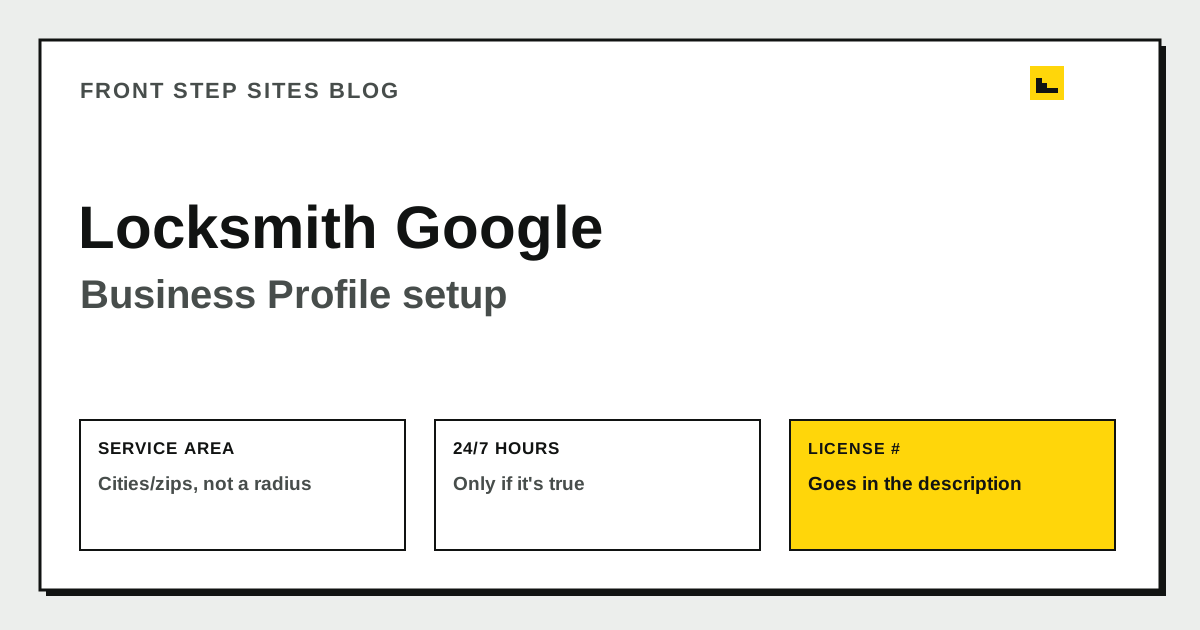
A locksmith Google Business Profile needs three things most trades can skip over: a service area built from cities or zip codes instead of a radius, hours that show your real emergency coverage, and a clear place for your state license number. Set it up as a service-area business if you work at the customer's door or car rather than a storefront. Get those three pieces right and a locked-out customer can tell in a few seconds whether you cover their area and will actually answer the phone right now.
How do you set up a Google Business Profile for a locksmith?
Search for your business name on Google Maps before creating a new profile. A past employee, a previous owner, or an old directory listing may have already generated one, and claiming an existing profile keeps your reviews and history instead of starting over.
Use your real, legal business name, not a name stuffed with keywords like "24 Hour Emergency Locksmith Near Me." Choose "Locksmith" as your primary category, and add a second category only if you genuinely do that work, such as "Safe & Vault Shop" if you service safes. If you don't receive customers at a fixed address, set the profile up as a service-area business during setup so Google doesn't publish a street address you don't want the public visiting.
What service area should a mobile locksmith list?
Google doesn't let you draw a radius around a pin anymore. According to Google's own service-area guidance, you build your coverage from a list of cities, postal codes, or similarly named areas, up to 20 of them, and the overall area shouldn't stretch much more than about two hours of driving time from where your business is based. List somewhere beyond that, and Google starts discounting your relevance in search results regardless of what you've typed in.
That two-hour rule is easier to picture with rough numbers attached. If your actual driving speed on the roads you'd take averages somewhere around 50 miles an hour, two hours works out to roughly 100 miles from your base in the direction you'd realistically travel, not a neat 100-mile circle on a map. Build your list from the specific towns you can genuinely reach inside that window, in the direction your business actually serves, instead of every town that falls within 100 miles as the crow flies.
Being honest about this matters beyond staying in Google's good graces. A locksmith who lists 20 towns across three counties but only ever answers within 15 minutes of home base is going to generate calls they can't service quickly, and a locked-out customer who waited 90 minutes for a "nearby" locksmith will say so in a review.
How do you show 24/7 emergency hours on a locksmith profile?
Only turn on "Open 24 hours" if that's actually true, with a real person answering or dispatching at 3am. If your after-hours work runs through an answering service or on-call rotation instead, use special hours to describe that honestly, for example by noting emergency availability outside your posted business hours rather than claiming to be fully staffed around the clock.
Getting this right carries real weight for a trade that lives on urgent searches. According to BrightLocal's 2026 Local Consumer Review Survey, 46% of consumers say they always or often add "near me" to local searches, and 73% of local searches start on a mobile device, meaning someone locked out is very likely searching on a phone, right now, expecting an accurate answer about whether you're open. A profile that says "Open 24 hours" but goes unanswered at midnight does more damage than one that honestly says "Call ahead after 9pm."
Where does your state license and insurance go on a Google Business Profile?
Google doesn't have a dedicated field for a locksmith license number. Put it in your business description, and mention it again in the products or services section if you list individual services like "Residential lockout" or "Automotive key programming." Keep the full license number, your insurance carrier if you want to share that, and any association memberships on your website, where you have room to explain them. The locksmith website cost guide covers which states actually require a locksmith license, since the requirement varies and isn't universal.
Showing a license number costs nothing and gives a nervous customer, someone about to hand a stranger access to their home or car, a way to check that you're not running a scam. Don't invent a license number or association membership you don't hold; Google and customers can both check.
How do you verify a locksmith Google Business Profile?
Locksmith listings get extra scrutiny from Google because the category has historically attracted spam, duplicate listings, and fake storefronts. Expect verification by phone or video call rather than the postcard-by-mail option offered to some other categories, and be ready to show your actual work van, tools, or a real-time view of your location during a video verification call if asked.
Keep your profile under one Google account that you personally control, not an account tied to a former employee or a marketing contractor who might leave. If ownership of your profile is unclear or disputed, Google's business profile help center walks through the process for requesting access to a listing you don't currently control.
What belongs on the profile beyond the basics
A real photo of you, your van, or your storefront does more for trust than a stock photo of a generic toolkit. Add a photo of your license or ID badge if your state issues one that's meant to be shown to customers. Use posts for genuinely timely updates, like a note about extra coverage during a cold snap when lockouts spike, and reply to reviews without disclosing private details about a customer's address or situation.
| Profile field | What to put there | Why it matters for a locksmith |
|---|---|---|
| Business name | Your real, legal trade name | Keyword-stuffed names risk suspension |
| Service area | Cities/zips within ~2 hours drive | Matches Google's rules and sets honest expectations |
| Hours | Real coverage, special hours if on-call | Builds trust with a customer searching at night |
| Description | License number, core services | Only real spot to show licensing since there's no dedicated field |
| Photos | Real van, tools, or storefront | Replaces the trust a storefront visit would normally build |
Frequently asked questions
Can I set a radius instead of listing cities for my locksmith business?
No. Google removed the radius option for service-area businesses, so you need to list specific cities, postal codes, or similar areas instead, up to 20 of them.
Should I say I'm open 24/7 if I only do on-call overnight work?
Only if you genuinely answer and dispatch around the clock. If overnight calls go through an answering service or a rotation, say that plainly with special hours instead of claiming full 24-hour staffing.
Where do I put my locksmith license number if Google has no field for it?
Add it to your business description and, if you use them, your listed services. Keep the complete license and insurance details on your website, where you have more room to explain them.
What happens if my locksmith profile gets suspended?
Suspensions are common for the category, usually tied to service-area or duplicate-listing issues. Review Google's guidelines, fix whatever triggered the flag, and request reinstatement through the business profile help center rather than creating a new listing.
Do I need separate photos for residential and automotive locksmith work?
It helps. A photo of a home rekey and a photo of a car key being cut tell two different customers, at a glance, that you handle their specific situation.
The short version
A locksmith Google Business Profile earns calls by matching Google's service-area rules, showing honest emergency hours, and putting your license number somewhere a cautious customer can find it. Skip the keyword-stuffed name and the overstated "24/7" claim; both cost you trust faster than they earn you clicks. Front Step Sites builds a website to back up that profile for $99 a year, with the domain included and no setup fee.