How to make a Google Site, step by step
Updated October 4, 2026
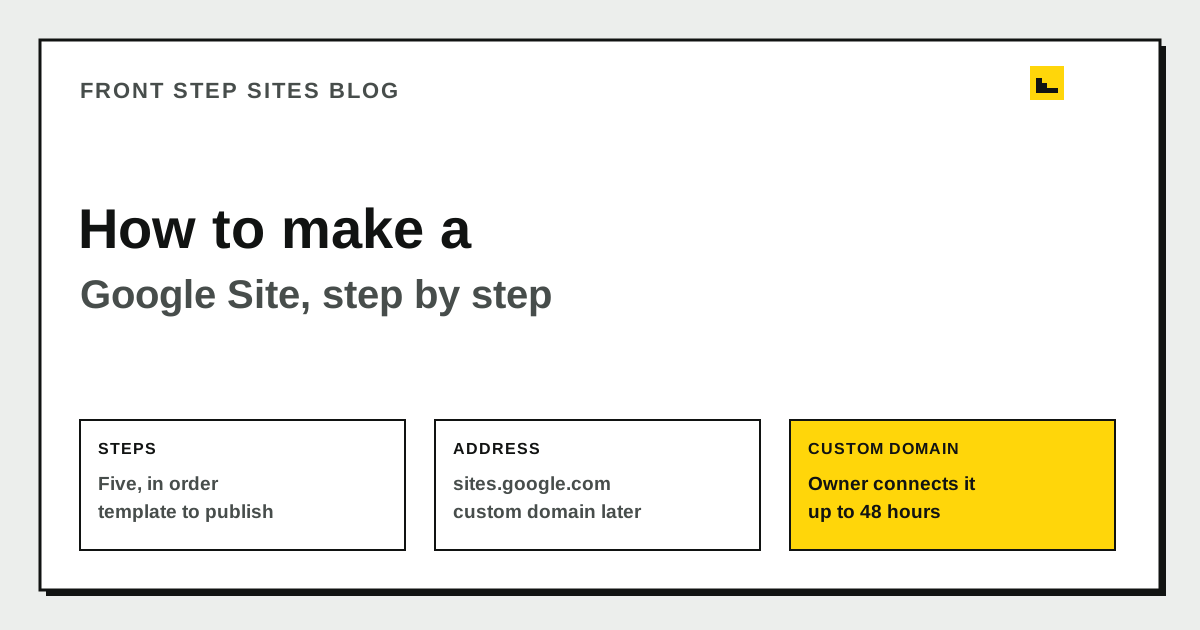
To make a Google Site, open Google Sites, choose a template under "Start a new site," give it a name, add your content, and click Publish at the top right. Your published address starts with sites.google.com. You can connect your own domain later, but only if you own the site. The steps below follow Google's own help pages.
How do you make a Google Site?
Work through these five steps in order:
- Go to sites.google.com/new while you are signed in to your Google account.
- Under "Start a new site," select a template.
- At the top left, enter the name of your site and press Enter.
- Add your content.
- At the top right, click Publish.
Google's help page on naming sites explains that the name you type is the document name in Google Drive, and only you see it. The site title shows in the header and in the browser's title bar after you publish. Those are two separate settings, so you can change one without touching the other.
How do you add pages and content?
Google's help center groups editing into three jobs: add, delete, and organize pages; add or edit text and images; and add Google files, video, and more. Plan your pages before you start. A basic business site usually needs a home page, one page for each main service, and a contact page.
Write each service page around the job a customer would search for. A plumber might need a page for emergency repairs, while a painter needs one for interior and exterior work. A page called "Services" with a long list tells a customer less than two focused pages do.
How do you publish and pick an address?
When you publish, you can choose the web address. Every published site gets a URL under sites.google.com, such as sites.google.com/view/your-site-name. Keep the name short and plain. Customers will type it from a card, a truck, or a flyer, so a clear name matters more than a clever one.
Can you use your own domain with a Google Site?
Yes, with two conditions. First, Google's custom domain help says only the owner of the site can connect a domain. Second, you need a domain you can point at the site through your registrar. Google's steps are to open Settings, choose Custom domains, enter your domain, and follow the on-screen instructions. Google also says changes can take up to 48 hours to become visible on the Internet.
| Question | Default address | Custom domain |
|---|---|---|
| What does it look like? | sites.google.com/view/your-site-name | Your own domain, such as yourname.com |
| Who can connect it? | The site owner, when publishing | Only the site owner |
| How long until it shows? | Google's help does not give a time | Up to 48 hours |
Google's help adds that a Google Workspace account is not strictly required to use a custom domain. A Workspace plan does let you buy a new domain for the site. If you already own a domain, you can connect it from your existing registrar.
When is a Google Site enough for a business?
A Google Site suits a simple brochure site with a few pages, where you handle the updates yourself. Before you rely on it for customers, check the basics. The domain should be registered in your name, and you should know who holds the login. The site should also show the padlock in the browser. Our guide to what SSL is and why your site needs the padlock explains what that padlock means and why it matters.
If you are still deciding whether Google Sites fits, read Google Sites alternatives for a business. It compares the free option with paid builders and a done-for-you service on the things that matter for a local business.
Frequently asked questions
Do I need a Google Workspace account to make a Google Site?
You build the site while signed in to a Google account. Google's custom domain help says a Workspace account is not strictly required to use a custom domain. A Workspace plan does let you buy a new domain for the site, which is useful if you do not already own one.
Why doesn't my custom domain work yet?
Google says changes can take up to 48 hours to become visible on the Internet. First, confirm that you are the owner of the site and that you followed the steps under Settings and Custom domains. Then check the records at your registrar against what Google asked for. Change one thing at a time, so you know which change fixed it.
Who can connect a custom domain to a Google Site?
Only the owner of the site can connect a domain, according to Google. If someone else built the site for you, ask for ownership to be moved to your account before you try to connect the domain. Keep your domain registration in your own name, too.
Can I run a business on a Google Site?
Yes, for a simple site with a few pages. Make sure the home page says what you do, where you work, and how to call you. If customers need booking, quotes, or more pages than a few, compare it with a builder before you commit.
The short version
To make a Google Site, choose a template, name the site, add your pages, and publish. Google gives you a sites.google.com address to start, and only the site owner can connect a custom domain. Once the basics are live, check the padlock, your contact details, and who holds the domain before you send customers to it.