Can you run a business website on Canva?
Updated October 3, 2026
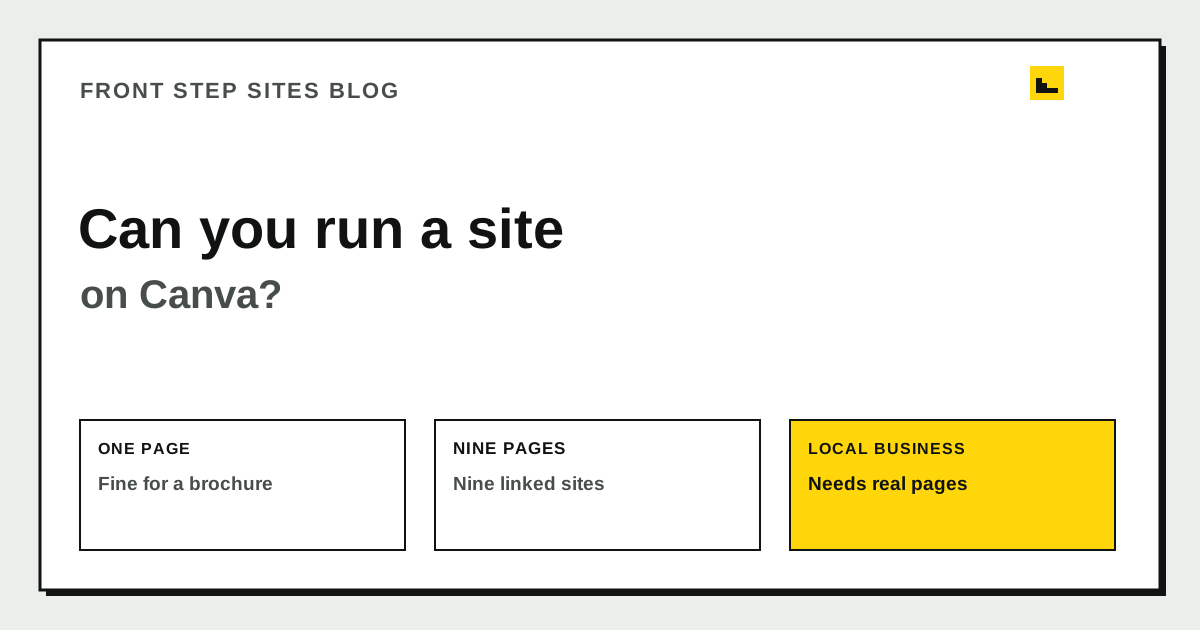
Canva is where many owners already make flyers, menus, and business cards, so making a website there feels like the obvious next step. The question is whether a single Canva page can do the job a local business needs a website to do. It can hold a brochure. It can't hold the rest of your business.
What can Canva Websites do well?
Canva Websites is a good design tool. You build a page from Canva's templates, photos, and video, and you can embed a contact form. If all you need is one page that says what you do, where you work, and how to reach you, you can publish it in an afternoon and it will look polished.
Canva makes a fair case for one page: a business card with a web address.
Why is one page a problem for a local business?
A local business site usually needs several pages. A service page answers a specific question, like "how much does a drain cleaning cost," and an about page tells people who they're hiring. Canva doesn't do this inside one site. Per MemberSpace, which reviewed the product, "No, Canva websites don't support traditional multi-page navigation." Its workaround is building multiple Canva websites and linking them together.
Here's what that means in practice. Take a plumber with a home page, five service pages, an about page, a service-area page, and a contact page. That's nine pages. On Canva it's nine separate websites linked to each other. Each one has its own design to maintain, and a visitor who clicks from one to the next is moving between sites. Your Google Business Profile points to one address, so the other eight pages have to be found on their own.
How do Canva Websites and a business site compare?
This table lists what a local business typically needs against what Canva Websites offers, based on the MemberSpace review of Canva Websites.
| What you need | Canva Websites | What a local business site needs |
|---|---|---|
| Several pages for services, about, and contact | One page per site, linked to other sites | Separate pages, each with its own address |
| Your own domain | Buy it separately and connect it | A domain registered in your name |
| A blog | "Limited blog & SEO tools," with no multi-page blog structure | Posts that answer the questions customers ask |
| A contact form | Embed one | A form that reaches your inbox |
| Selling or booking online | Link out to another platform | Booking handled by a tool you choose |
| Control over page details | Limited SEO tools | Page titles and descriptions you can set |
Two rows matter most for local search: the separate service pages and the page details. Those are the parts that tell Google what each part of your business does.
What does Canva's hosting and domain mean for you?
Canva hosts the site for you, so you don't configure a server. You still need a domain name for your own address, and MemberSpace notes that you buy one separately. If those two words are new to you, the plain-English guide to website hosting explains the hosting part, and the domain name guide walks through picking one.
When does Canva make sense for a business?
Canva fits a business with one offer and one purpose. A food truck that posts its weekly location and catering menu, a pop-up shop running for a season, or a photographer with one portfolio page all fit. If your site is a single answer to a single question, Canva is a reasonable tool.
It stops fitting when customers need to compare your services, or when you want search engines to find each service on its own.
What should a business site have that Canva can't give you?
The details decide whether a local business site works. Check for these before you commit to any builder:
- A separate page for each main service, so each one can match a specific search.
- Your phone number and a contact form on every page, not only the last one.
- Page titles and descriptions you can change yourself.
- The same name, address, and phone number you use on your Google Business Profile.
- A way to update your hours and prices without rebuilding the design.
Front Step Sites builds that kind of multi-page site for $99 a year with the domain included, and you ask for changes in your account. Read what Front Step Sites does and who it's for before you decide, because it's a fit for some businesses and not others.
Frequently asked questions
Can I use Canva for a business website at all?
Yes, for a single page that lists what you do, where you work, and how to reach you. It is a poor fit for a business that needs separate pages for each service or a blog that customers can browse.
Do I need a domain name for a Canva website?
If you want your own address, yes. MemberSpace notes that a domain is bought separately, so budget for it and keep the registration in your own name.
Can I start on Canva and move to a different builder later?
Yes, but plan for the rebuild. You'll recreate each page in the new builder and point your domain at it. Keeping the domain in your own name makes that move much simpler.
The short version
Canva can make a good one-page brochure, but it isn't built for a business that needs several service pages, search control, and a blog. Canva Websites doesn't do multi-page navigation, so a nine-page business site means nine linked websites. If you need more than one page, choose a builder that handles a full site.